How it works
Three taps and a photograph.
The reading happens on the phone, in about a second, using the same text recognition your camera app uses.
Photograph the receipt
The text is read on the device. The photo is deleted the moment it has been read. It is never uploaded and it is never kept.
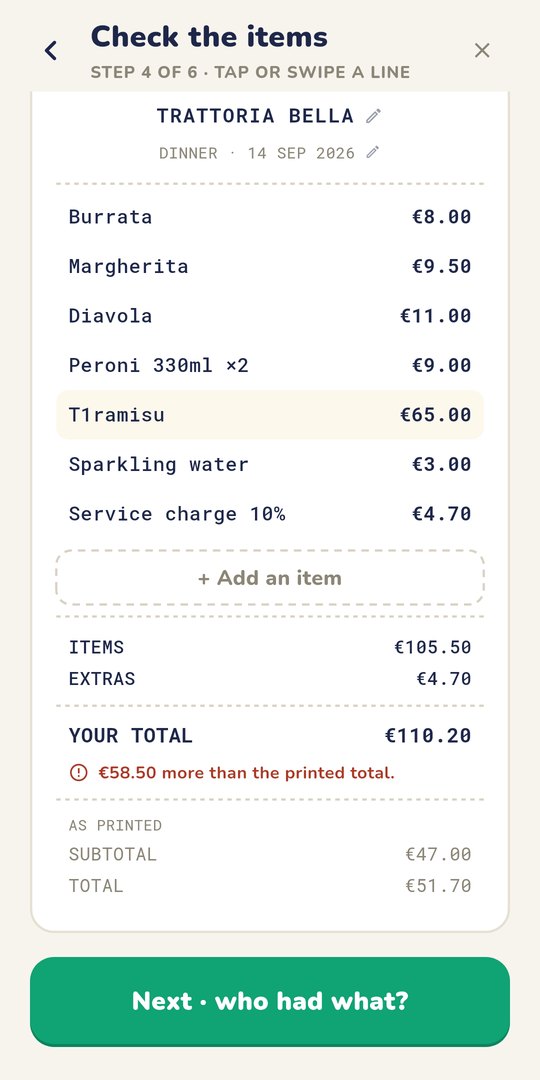
Check what it read
Thermal paper is hard to read, so correcting a line is the main screen rather than something buried away. A running total tells you when the numbers match the receipt.
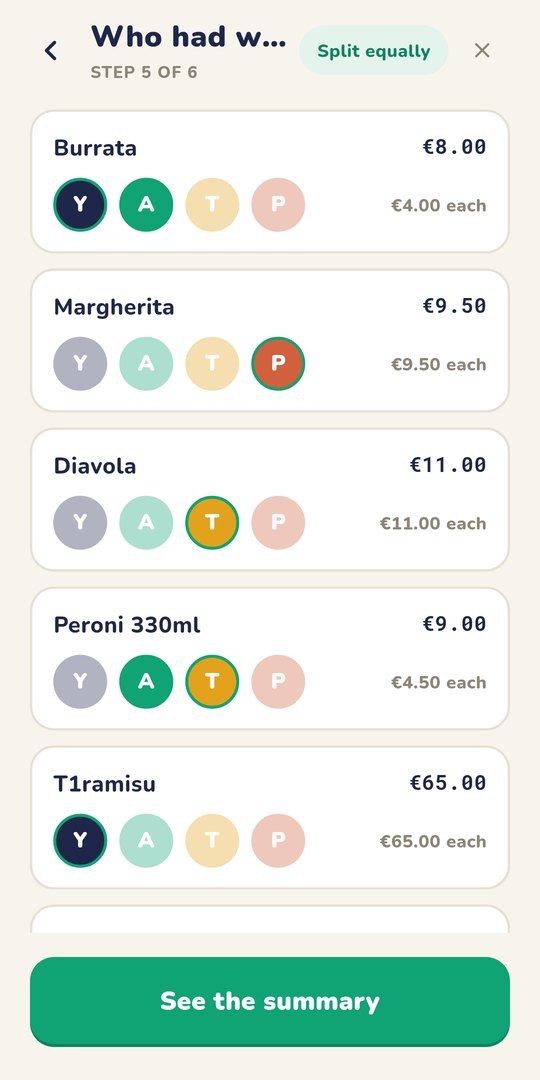
Tap who had what
Assign each item, or split the lot evenly. Extras and discounts get shared by whoever agrees to them.
Why it is built this way
Your receipts are nobody else's business.
A receipt says where you were, when, with how many people, and what you can afford. Most splitting apps put that on someone's server. This one has nowhere to put it.
- ✓ No network permission The app cannot reach the internet. Android enforces that, whatever the code tries to do.
- ✓ No accounts, no sign-in There is no account to make, and nothing held anywhere to leak.
- ✓ Text recognition on the device The model ships inside the app. Turn off wifi and mobile data and scanning still works.
- ✓ Backup switched off Android would otherwise copy the app's data to your Google Drive. Both the old flag and the newer rules file say no.
- ✓ Sharing is copy and paste A plain-text summary goes to your clipboard. You choose where it goes next.
- ✓ Optional PIN Stored as a salted hash, and the app hides itself in the task switcher when it is set.
Groups
For a dinner, or a whole trip.
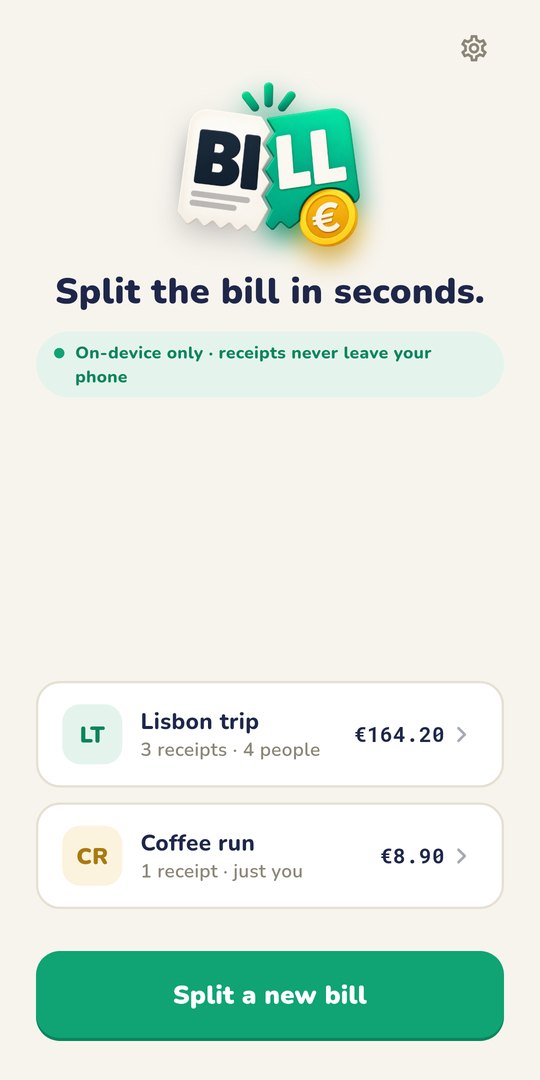
One bill splits in seconds. A fortnight of them stays together in a group, so you can see who paid for what and let the app work out the fewest payments that square everybody up.
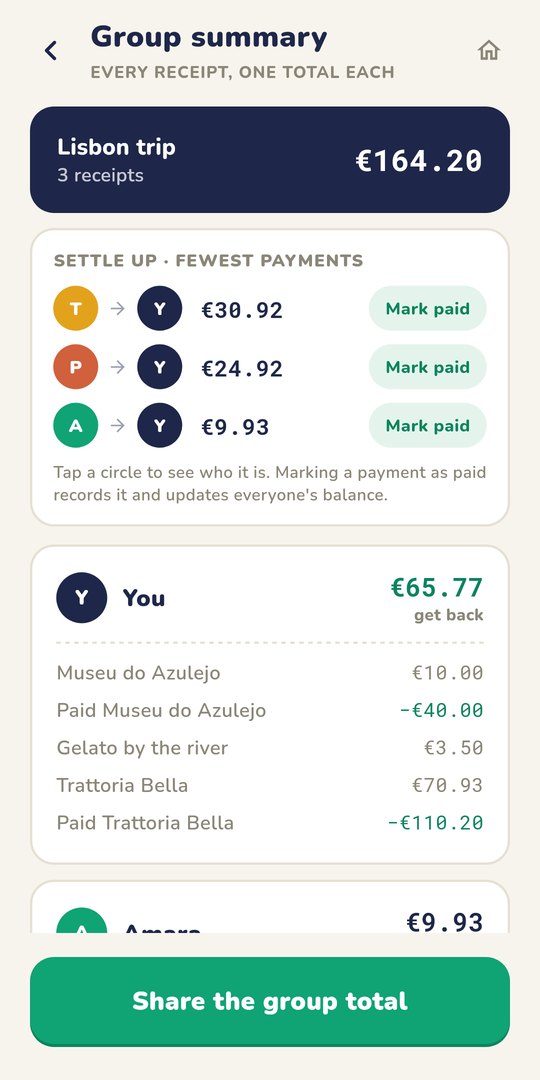
Settle up in the fewest payments
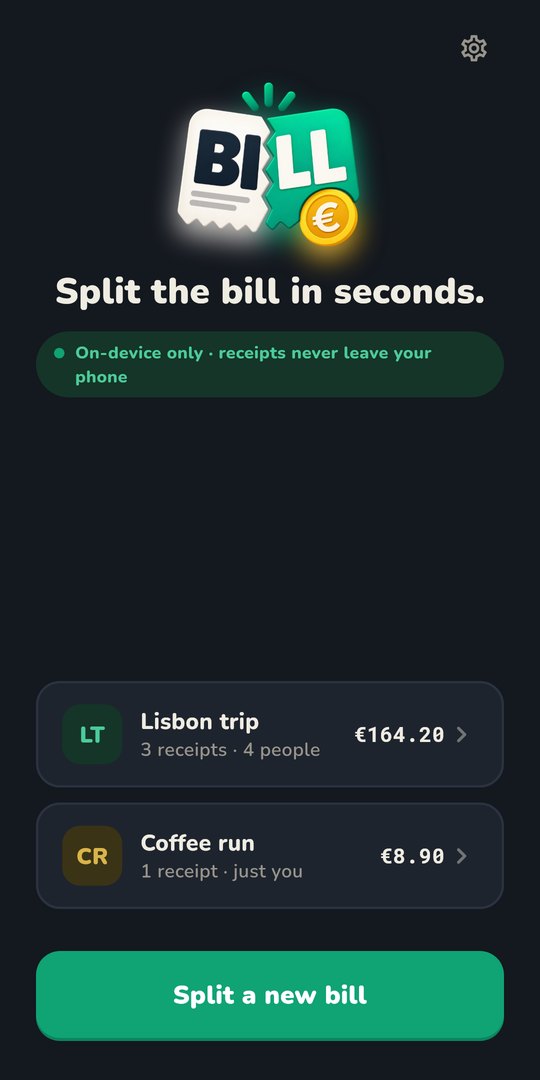
Light and dark
Questions
The things people ask first.
Is Split the Bill free?
Yes. It is free, there is nothing to buy inside it, there are no adverts, and there is no account to create.
Does it work without an internet connection?
Yes. The app has no internet permission at all, so Android will not let it reach the network whatever it tries. The text recognition ships inside the app, so scanning works with wifi and mobile data off.
Where are my receipts stored?
On the phone, in the app's own private storage. Nothing is uploaded, and Android's automatic backup to Google Drive is switched off, so they are not copied anywhere either.
What happens to my bills if I uninstall the app?
They go with it. Because nothing is backed up or synced, there is no copy to restore and a new phone starts empty.
Which file should I download, 64-bit or 32-bit?
The 64-bit one, unless your phone is older than about 2017. If it will not install, Android says so plainly, and the 32-bit file is the one to use instead.
Is it on the Google Play Store?
No. You install it by downloading the file directly, which Android calls an unknown source and will warn about. An F-Droid listing is planned.
Does it split a bill evenly or by item?
Either. Assign each line to whoever ordered it, share a line between several people, or split the whole bill evenly. Extras and discounts are shared by whoever agrees to them.